Dashboard
Overview
The Dashboard is the central monitoring and control panel for Zotero Agents. Here you can view task status, manage workflows, browse history, and inspect runtime logs.
How to Open
- Toolbar Button: Click the Zotero Agents icon in the Zotero toolbar
- Menu: Tools → Open Dashboard
- Zotero Tab: Opened via the menu, displayed as an independent Zotero tab
Pages
Home
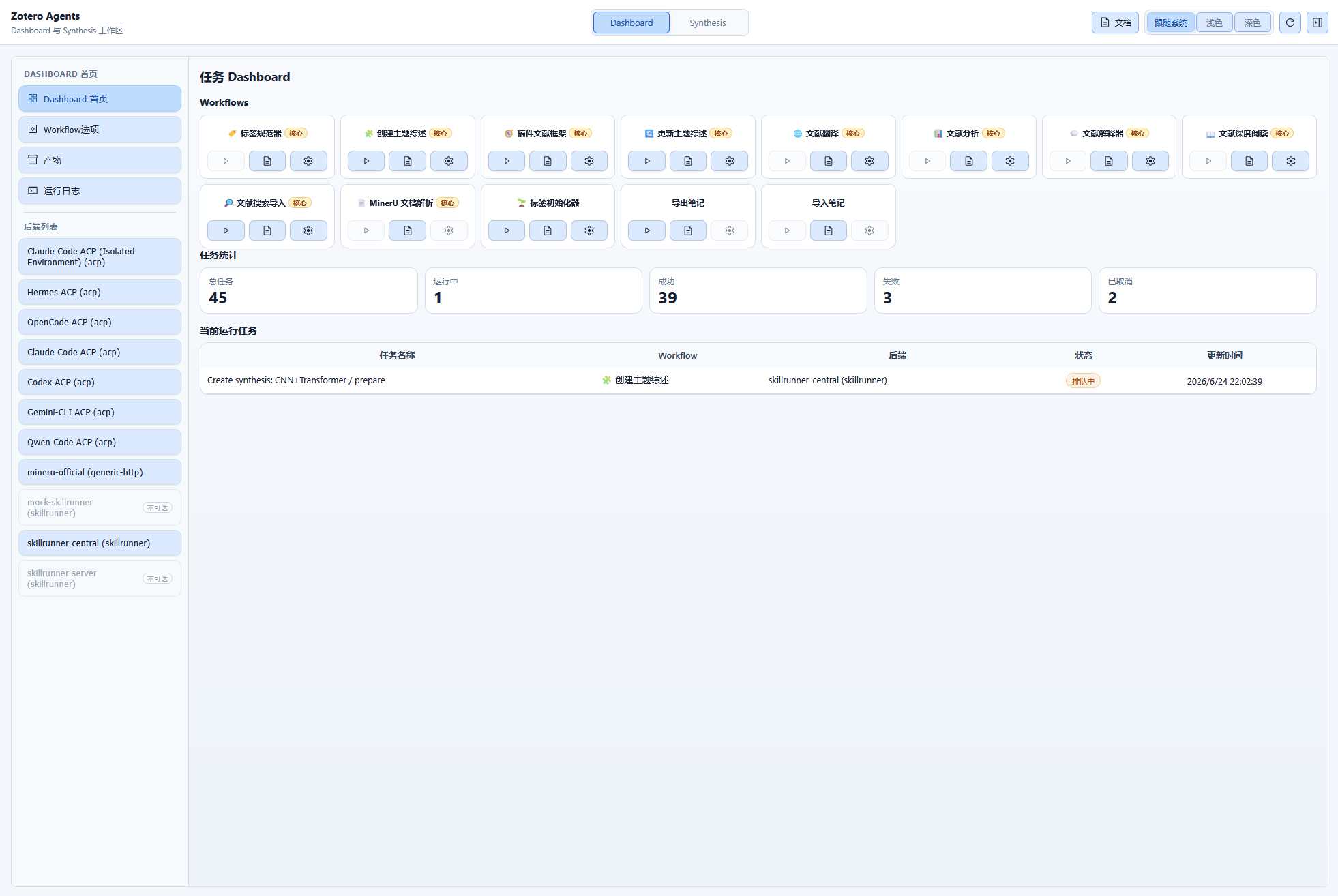
The default page of the Dashboard, displaying:
- Workflow List: All available workflows, with run and settings buttons
- ACP Chat Area: Quick access to ACP conversations
- ACP Skill Runs: Skill run status for ACP backends
- Skill Feedback: View recent skill run feedback ratings and comments
- Task Summary: Overview of currently running tasks
Workflow Options
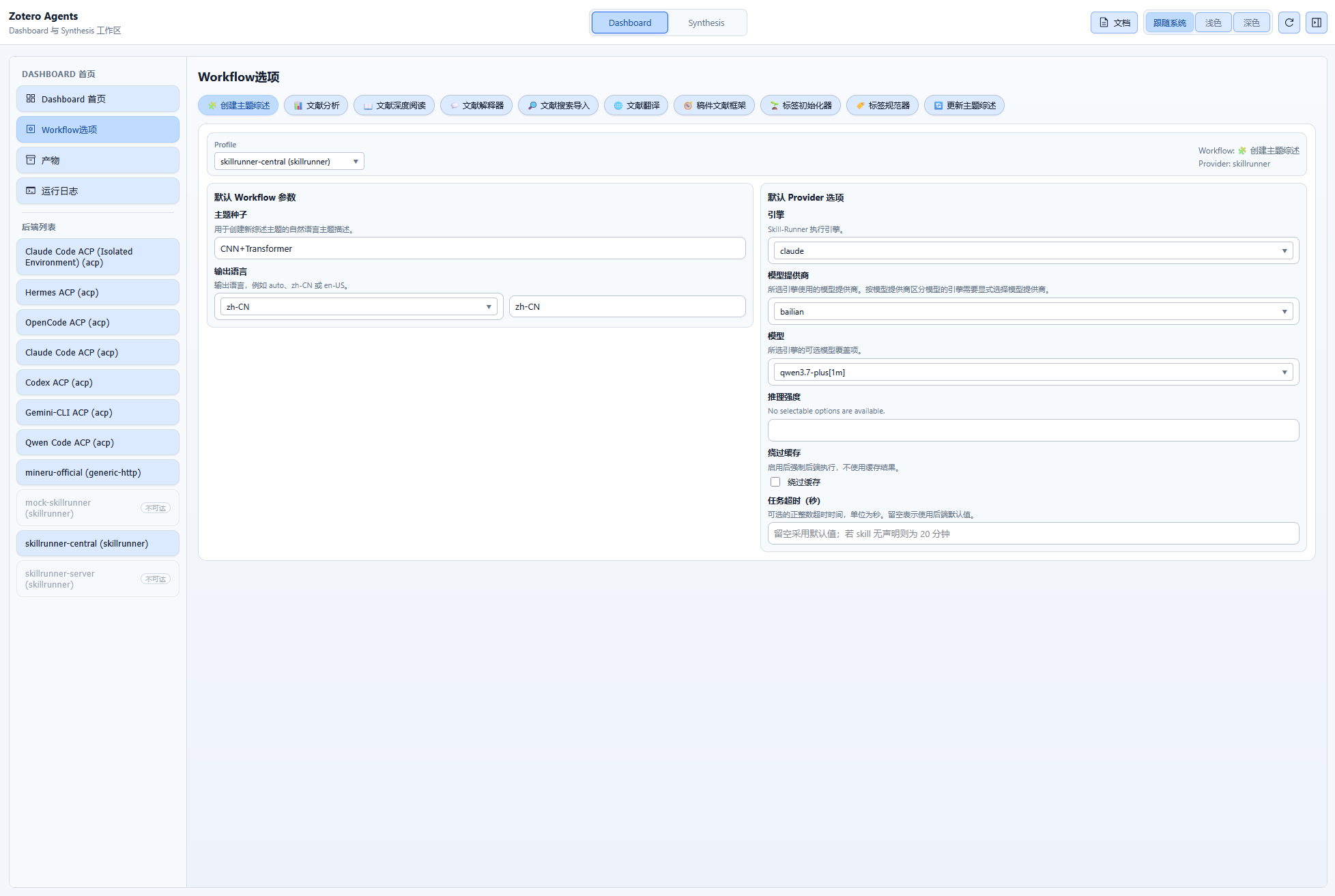
The workflow parameter settings page:
- View and modify configuration for each workflow
- Set default parameters
- Select the default backend
Backends
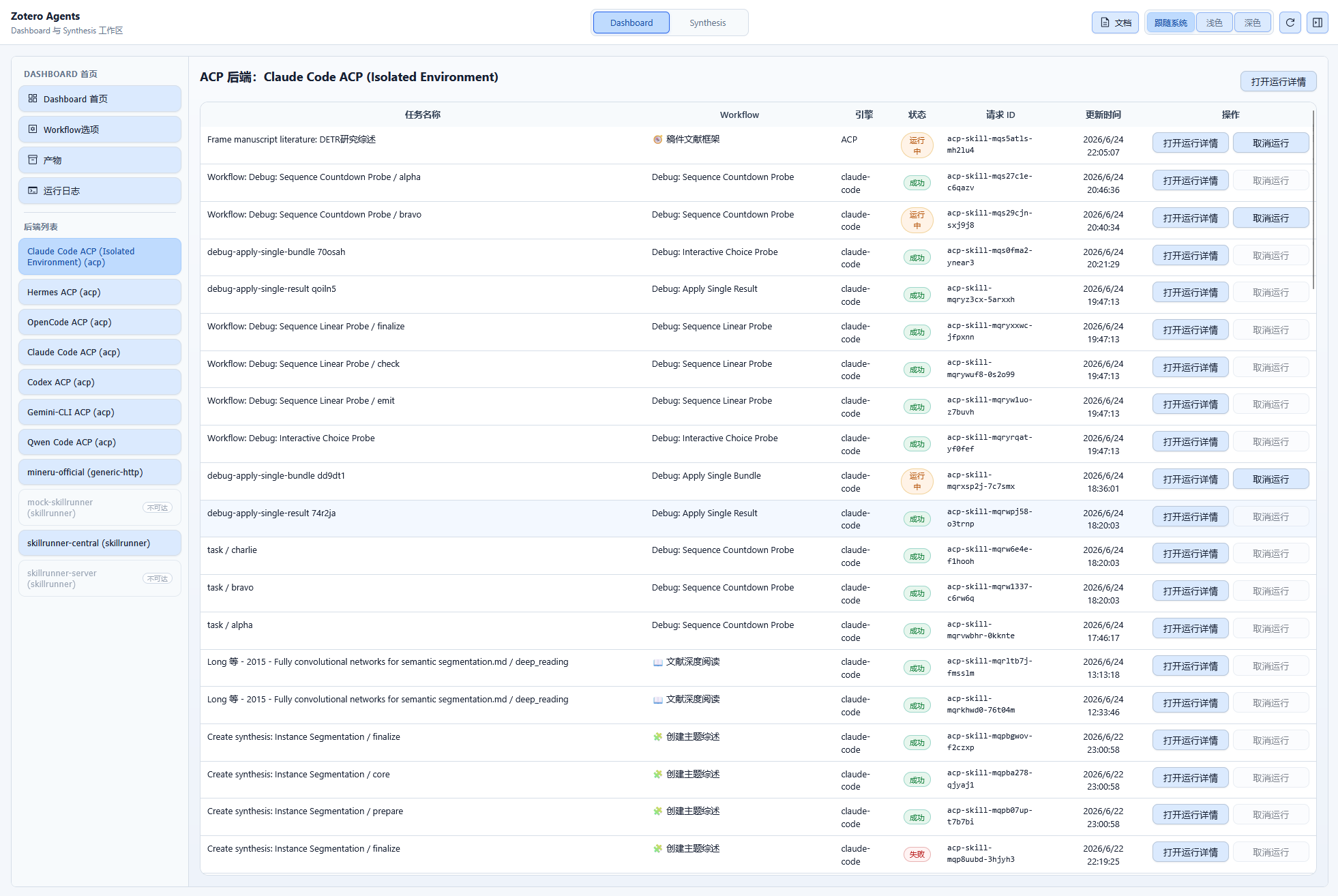
The backend management page:
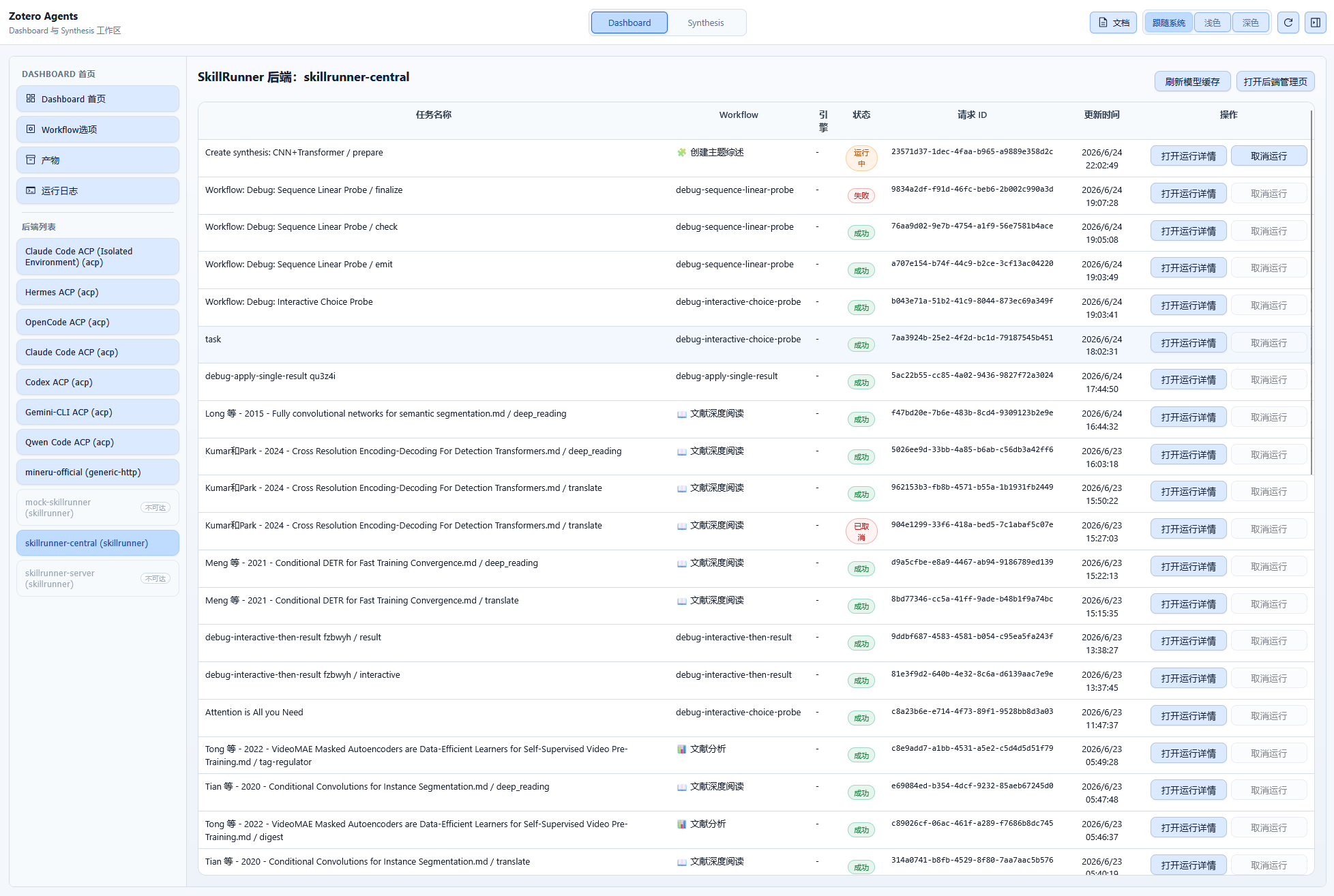
- List of all configured backends
- Task history for each backend
- Backend detail views (varies by type)
Backend detail views:
| Backend Type | Display |
|---|---|
| Generic HTTP | Task table + runtime logs |
| SkillRunner | Run table + status area + conversation area + reply/cancel actions |
| ACP | Skill Run view |
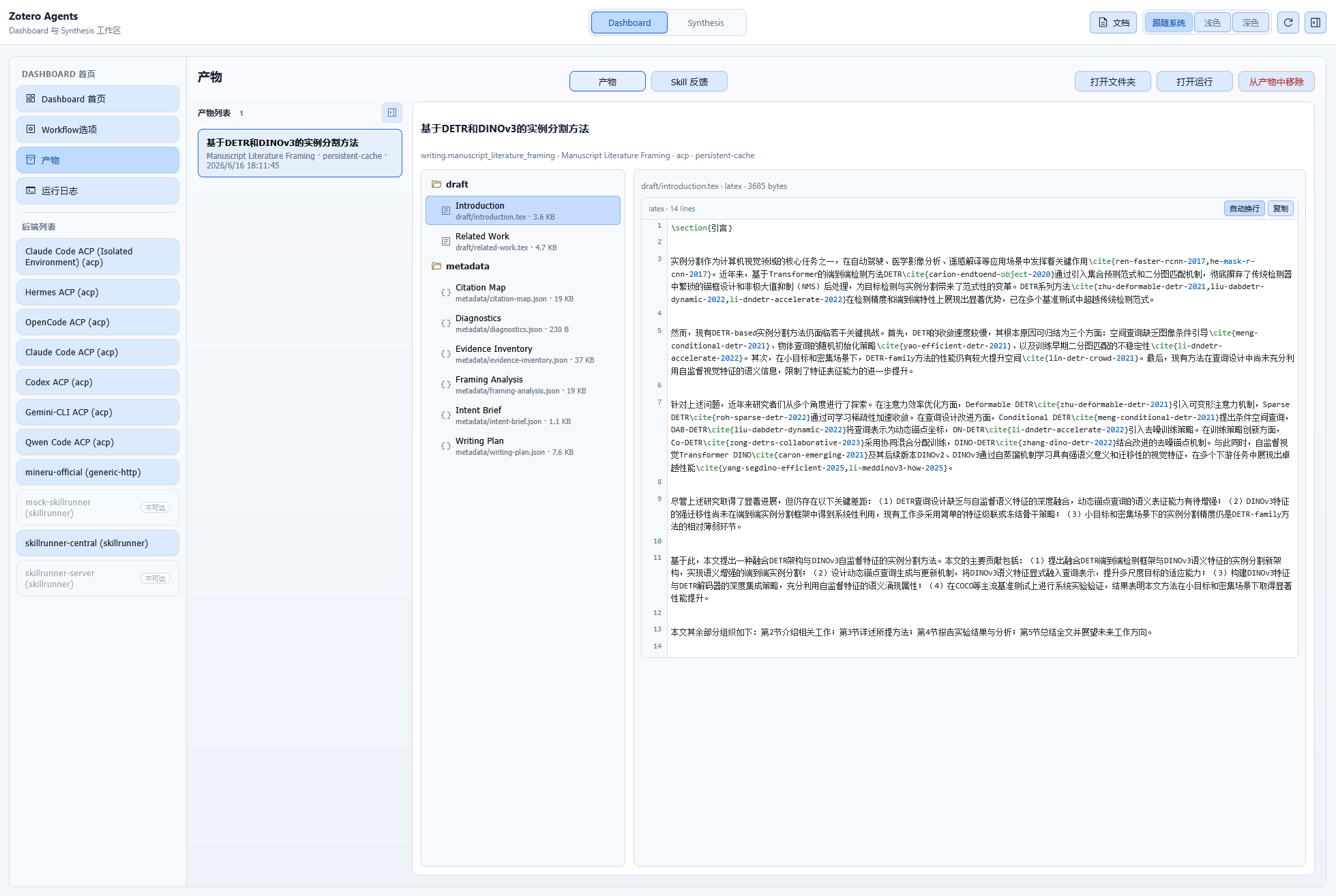
Products
Browsing and managing workflow products:
- View output artifacts from workflow runs
- Open product folders
- Preview and remove products
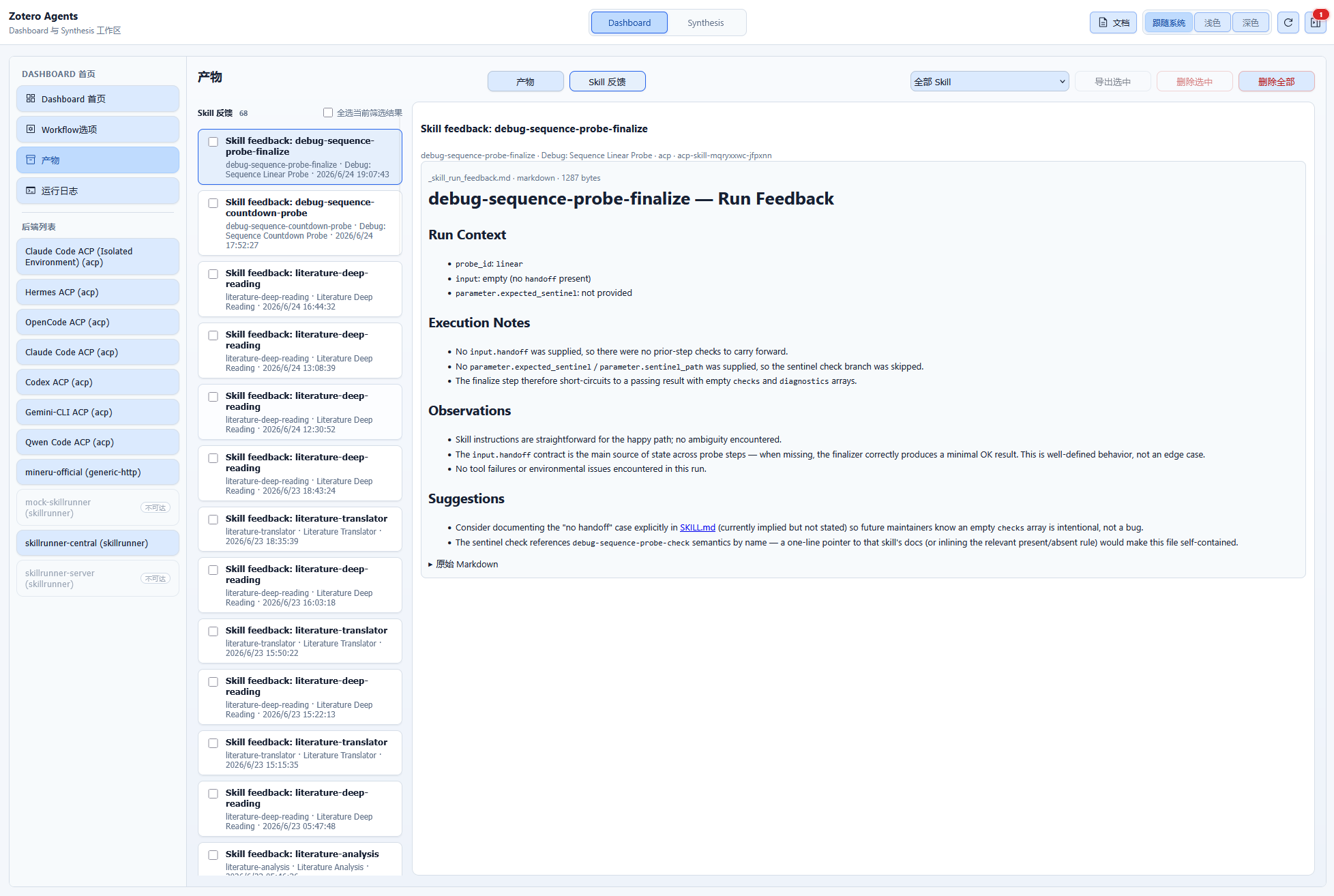
Skill Feedback
The Skill Feedback panel displays recent skill run feedback:
| Column | Description |
|---|---|
| Workflow | Name of the executed workflow |
| Backend | The backend that executed the run |
| Rating | User rating (1–5) |
| Comment | Feedback comment |
| Timestamp | When the feedback was submitted |
Actions:
- Filter: Filter by rating, workflow, or time range
- Export: Export feedback data for analysis
Task Status
| Status | Description |
|---|---|
queued | Waiting to be executed |
running | Currently executing |
waiting_user | Waiting for user input |
waiting_auth | Waiting for authorization |
succeeded | Execution succeeded |
failed | Execution failed |
canceled | Canceled |
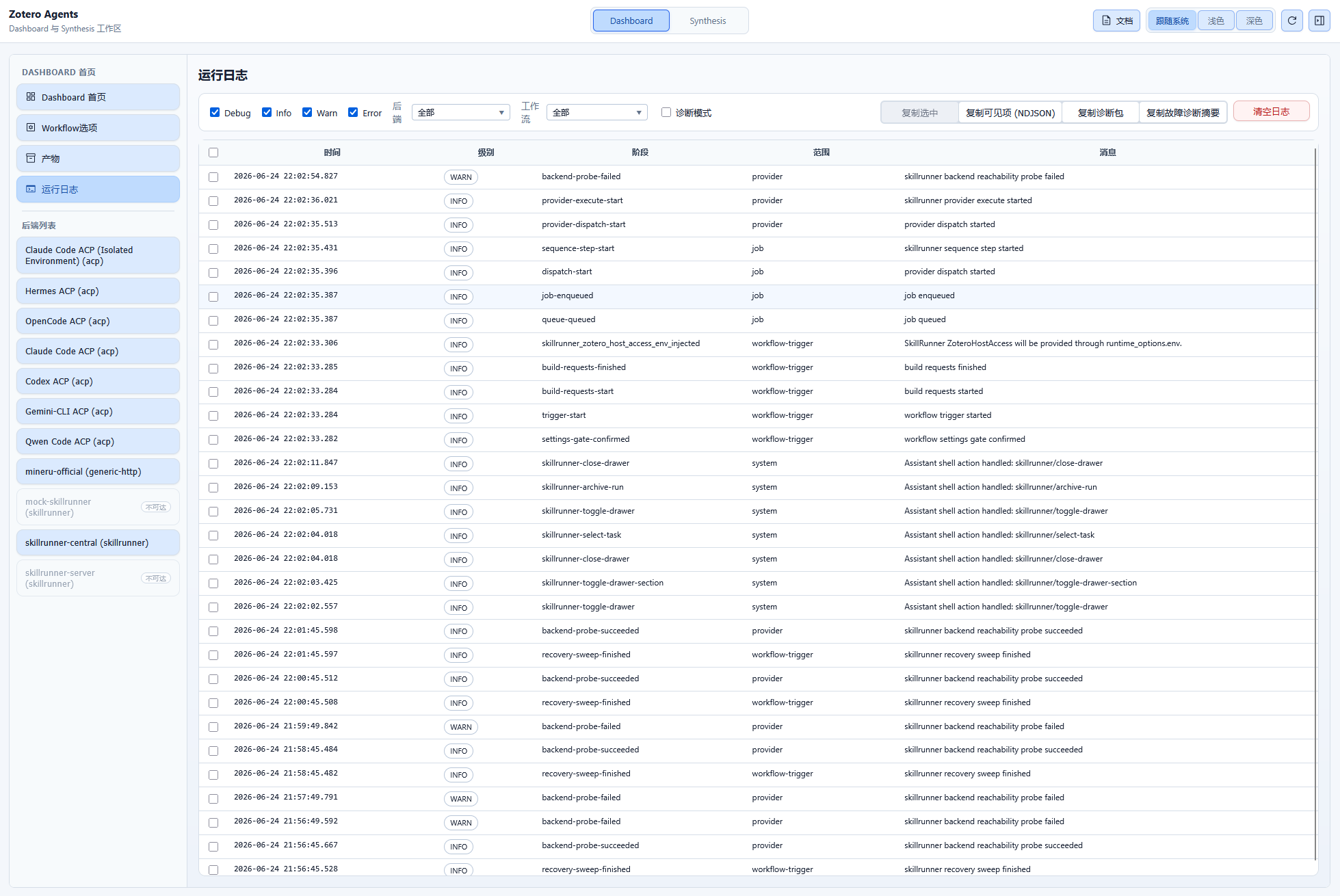
Runtime Logs Viewer
The Dashboard includes a built-in log viewer:
- Filter by backend
- Filter by workflow
- Filter by log level
- Filter by time range
- Diagnostic export
- Issue summary copy
Toolbar Button
The Zotero Agents icon button in the Zotero toolbar supports:
- Left-click: Open/toggle the Dashboard
- Displays the count of running tasks
- Shows a popup with the list of running tasks